

Setup & usage guide
Git Listener is available for any monday.com installation. Open the monday.com Marketplace and search for Git Listener, then install it.
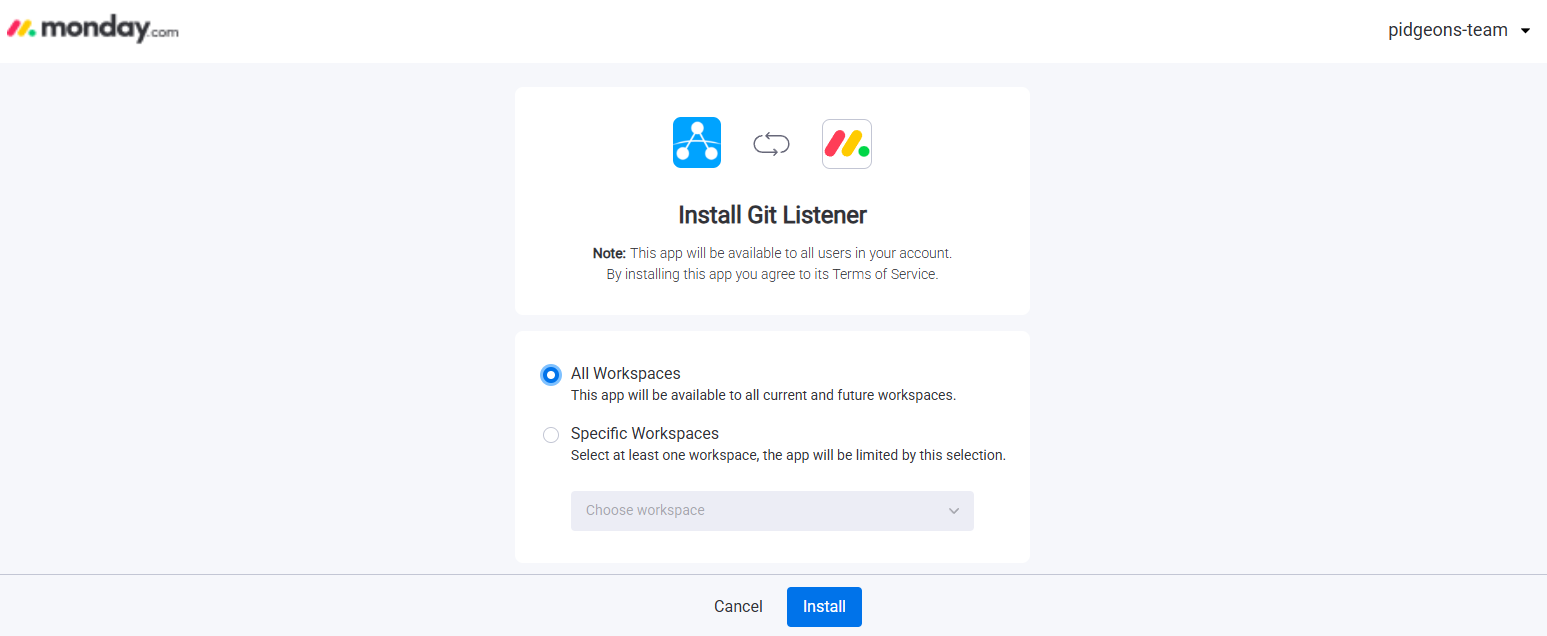
Once Git Listener is installed, press Use app and link the boards you want to see Git data on.
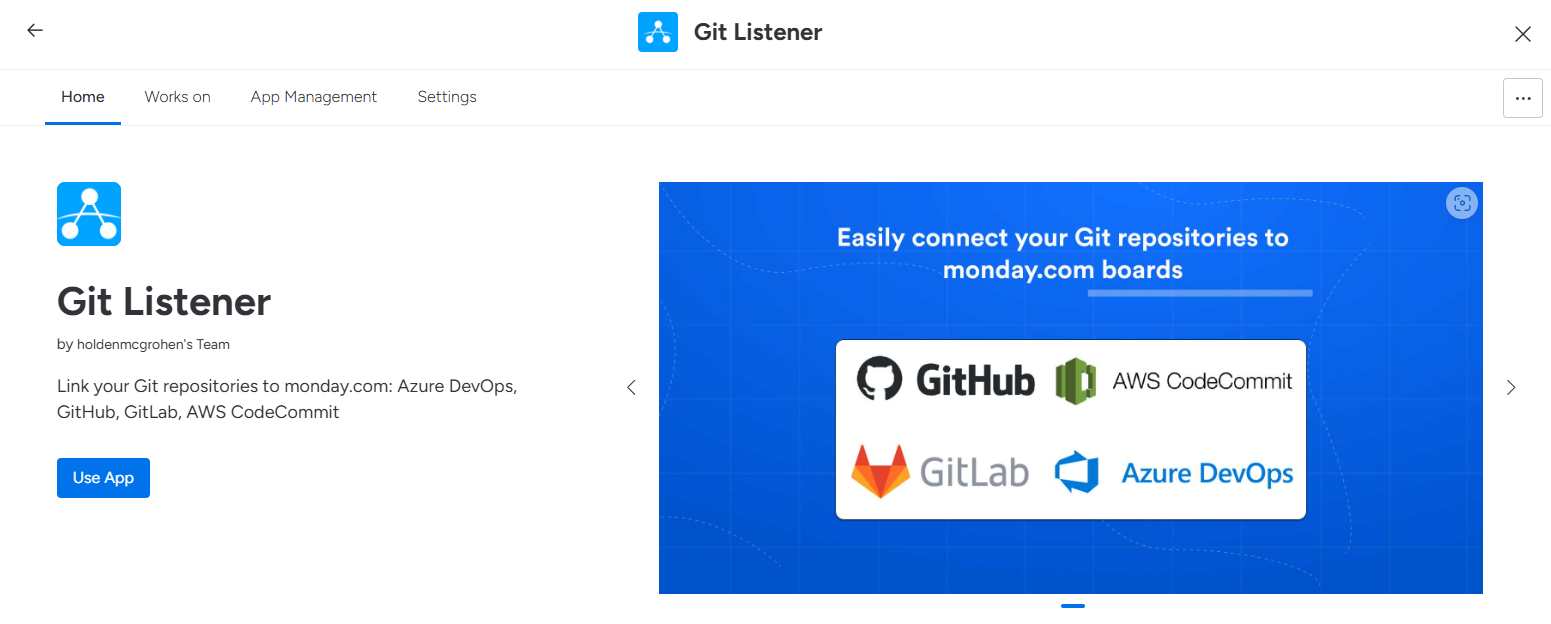
Next, link your repositories to monday.com. Return to the Git Listener page and press Settings. You can choose between different Git providers and authorization methods — follow the instructions on each provider's page to link your Git account.
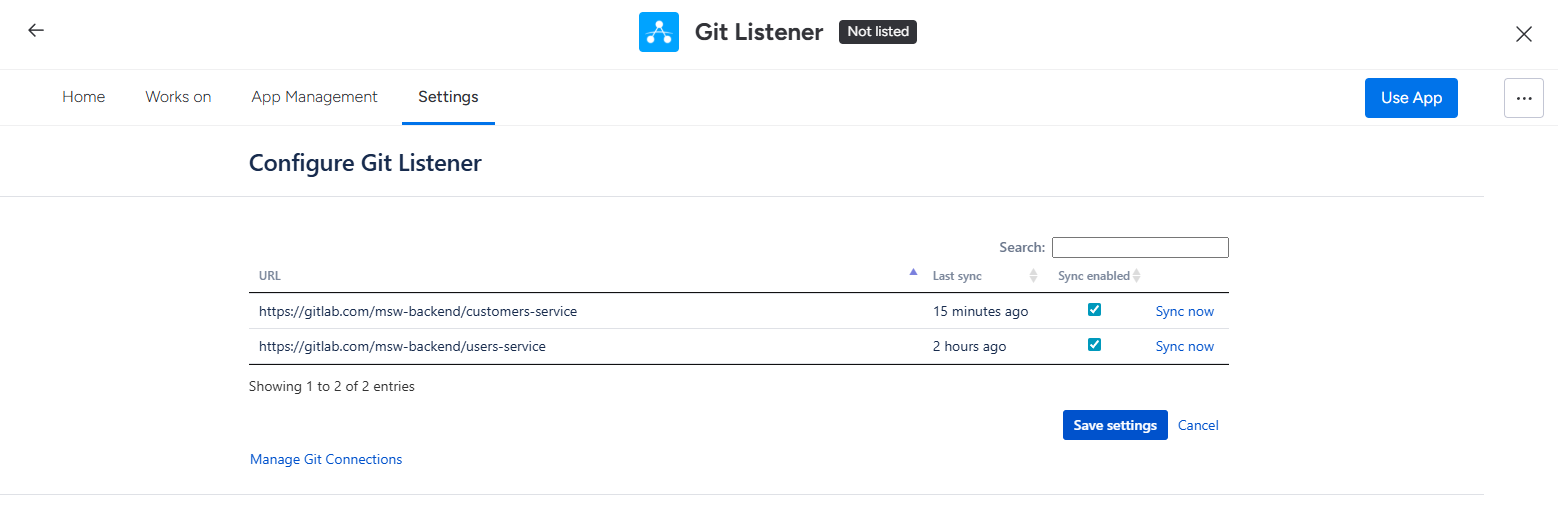
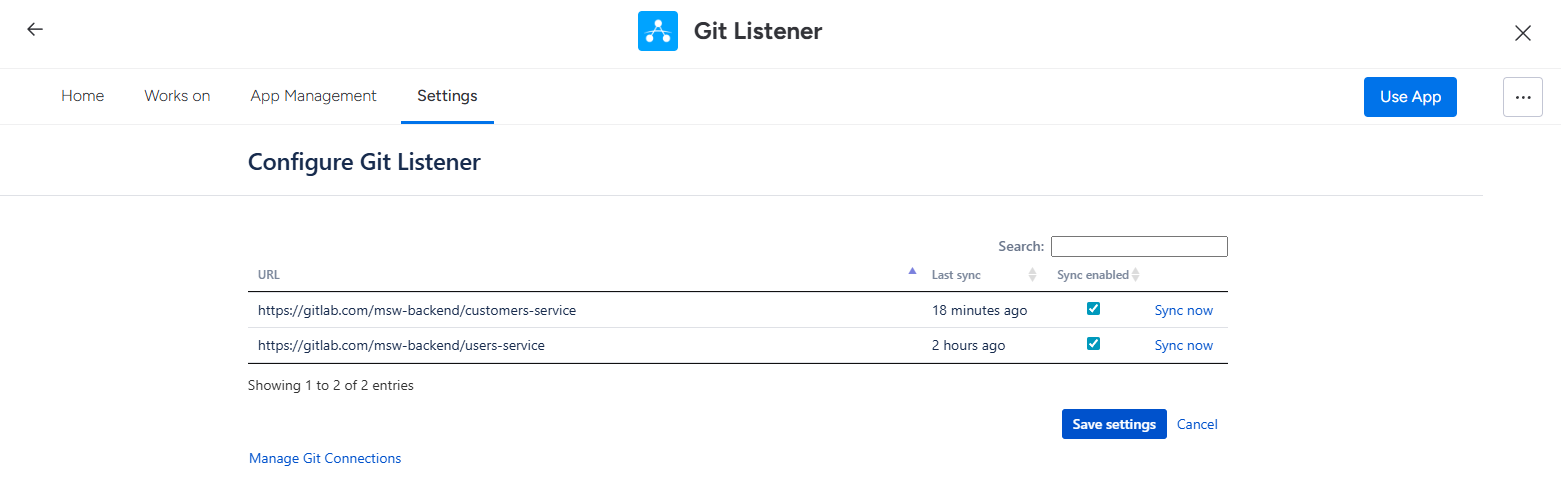
Git Listener automatically detects the repositories your account can access and lists them on the configuration page. Choose which repositories to link, and see when each was last checked for new data. To update a token or change the user who grants OAuth permissions, return to the configuration page and click Re-configure integration.
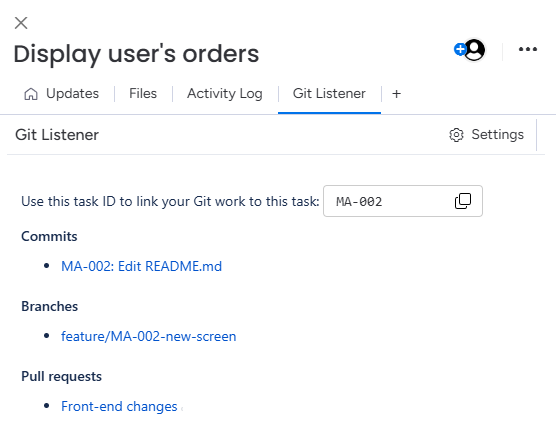
Once configured, open any task on your monday.com board and you'll see the Git Listener tab on the right. It shows all commits, branches and pull requests linked to the task.
Linking is done via task ID (e.g. 2068595498 or PROJ-123) — include the task ID in commit messages, branch names and pull-request titles so Git Listener can match them.
You can uninstall Git Listener from your monday.com administration section. Your Git data is retained for up to 10 days in case you want to re-install the app later.
Have a question or need a hand? Reach out via our feedback form and we'll be happy to help.
Pick the platform you work in — every plan includes a free trial on the marketplace.

 Azure
Azure AWS
AWS GitLab