
The multi-provider Git integration, built for monday.com. Connect GitHub, GitLab, Azure DevOps and AWS CodeCommit, then see commits, branches and pull requests right on your board items — and create them without leaving monday.
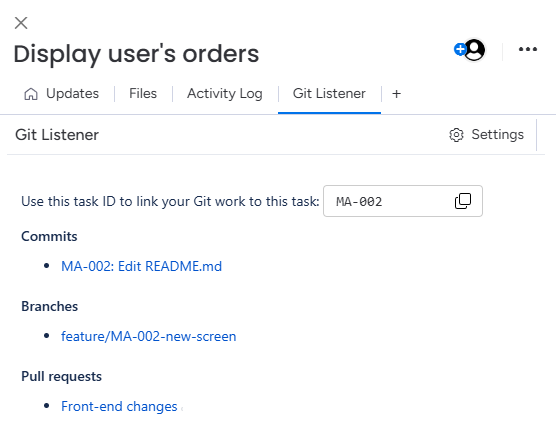
Bring repos from GitHub, GitLab, Azure DevOps and AWS CodeCommit into monday.com with a single app. No separate integration per provider — connect once and link as many repositories as you need.
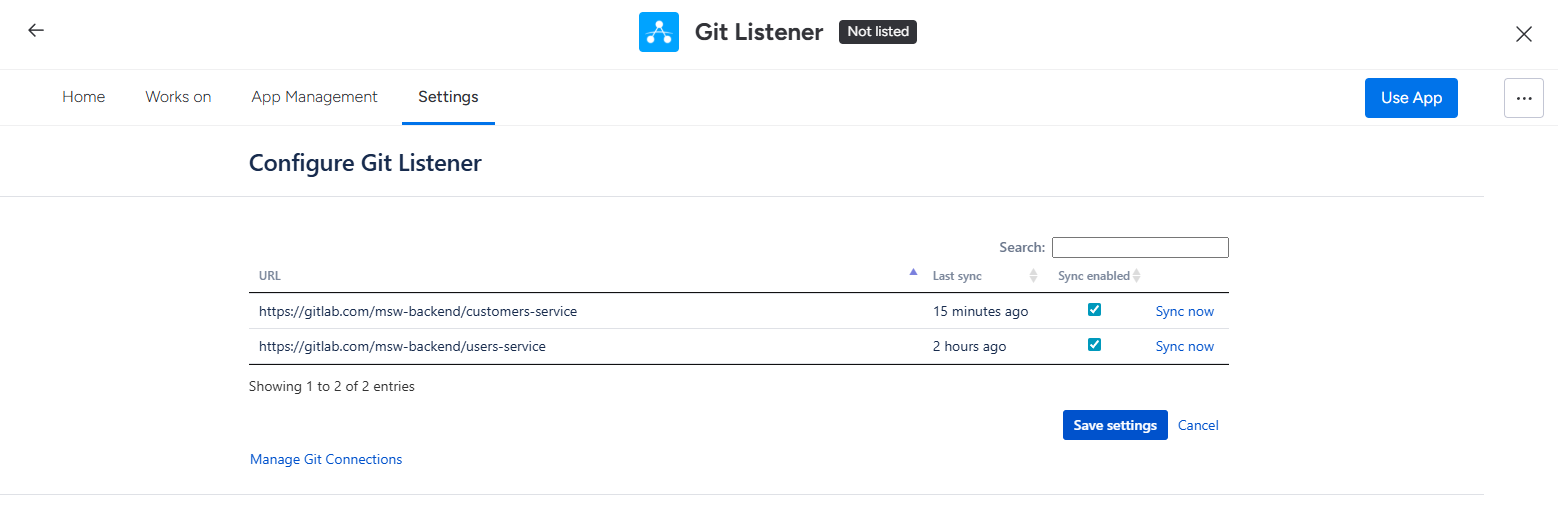
Git Listener matches activity to items and shows commits, branches and pull requests in a dedicated view — so the whole board reflects real development progress.
Kick off work straight from the item. Create a branch or open a pull request on any connected provider without switching tools.
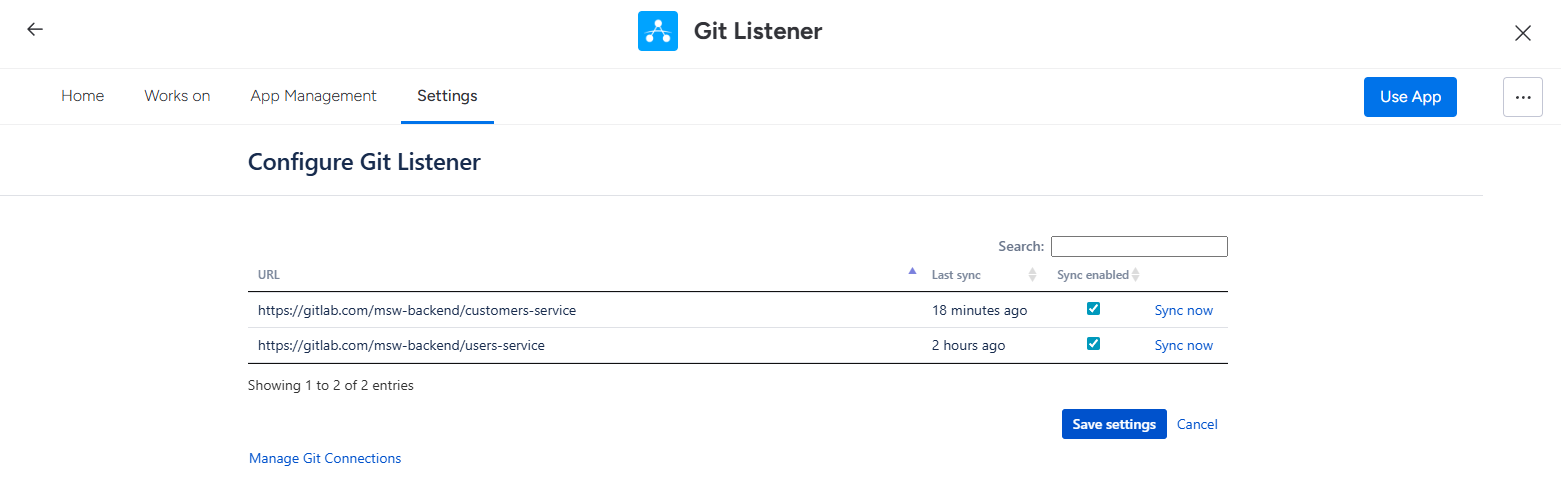
Update items and log work straight from a commit message — across every provider.
Git activity appears on items without manual linking or hand-wired webhooks.
Detects item references in branch names, commits and PR titles to link the right work.
Run repos from different providers on one board — no extra configuration.
Real help from the team that builds it, with active maintenance and updates.
Built on our proven multi-provider Git Listener — now native to monday.com.
Git Listener reads only the metadata it needs to link activity to items — your source never leaves your provider.
Read our security overviewGitHub, GitLab, Azure DevOps and AWS CodeCommit — all in one app. Connect several at once and mix them across a single board.
No. Git Listener reads commit, branch and pull-request metadata through each provider's API. Your source code is never cloned, copied or stored on our servers.
All traffic is encrypted in transit with TLS and stored data is encrypted at rest with AES-256. Access tokens are held in an encrypted secret store, and you connect with scoped, least-privilege tokens.
Yes. From any item you can create a branch or open a pull request on any connected provider — without leaving monday.com.
It's built on the same multi-provider engine, rebuilt natively for monday.com's items and boards — so you get the same reliability and provider coverage.
Git Listener for monday.com is available on the monday.com marketplace with a free trial. Current pricing is shown on the listing.
Install Git Listener and connect your first provider in minutes.
Pick the platform you work in — every plan includes a free trial on the marketplace.


 AWS
AWS